
Read your own Chinese EPUB on iPhone
Start with an original four-sentence activity, or bring your own Chinese text into Laowai. Look up an unfamiliar word, keep useful vocabulary and return to what you were reading.
Try the reading activity · Open the printable student sheet and teacher notes

Dictionary search stays free. Laowai Pro unlocks unlimited practice, unlimited widgets and Live Activities, and iCloud sync. Prices and subscription terms appear before purchase. Requires iOS or iPadOS 26 or later.
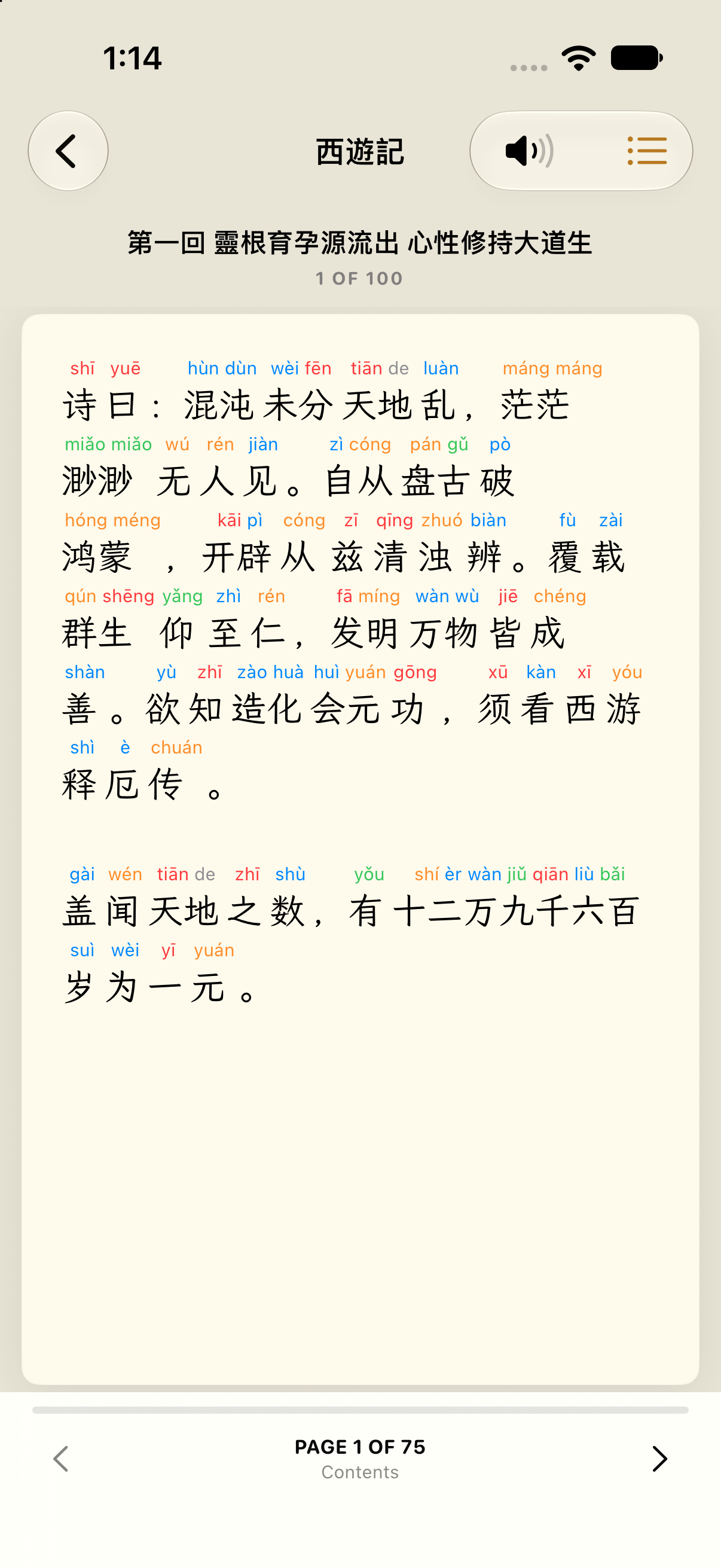
Bring a text you want to read
The reader supports EPUB, TXT and FB2 files. Use your own writing or material you have permission to import. In Library, open Texts and use the file-import action to choose your document.
Open the text, look up an unfamiliar word and return to reading. Save useful words in a list for practice. The original text remains in your Library so you can read it again.
Try a four-sentence reading activity
This original example describes a daily commute. It uses no textbook text or learner records.
我每天坐地铁去上班。
路上我喜欢读中文。
看到不认识的词,我会查词典。
晚上我再复习这些词。
I take the subway to work every day. I like reading Chinese on the way. When I see a word I do not recognize, I look it up in a dictionary. In the evening, I review those words again.
- Read once and choose an unfamiliar word.
- Look it up in Laowai and consider its meaning in this sentence.
- Keep useful vocabulary in a word list. Return to the list for practice.
- Read the passage again. Keep the words you need, rather than every word on the page.
Possible vocabulary: 地铁 (subway), 路上 (on the way), 认识 (recognize; know), 词典 (dictionary), 复习 (review).
Watch the reading workflow
See an included public-domain classic, a dictionary lookup, saving a word to Favorites and returning to the reader.
Captured from Laowai 5.3.5 running in iPhone Simulator. This shows the app workflow; it does not measure a learning outcome.
Questions about importing and practice
Which files can I import?
EPUB, TXT and FB2. Import material you wrote or have permission to use.
Does the dictionary work offline?
Yes. Core dictionary search works offline after installation. Cloud sync and some media require a connection.
Is practice unlimited for free?
No. Dictionary search stays free; unlimited practice is part of Laowai Pro. Check the current offer and terms in the app before purchasing.